
Podcast to video: one presenter for the whole episode
Upload an episode you have already recorded and InfiniteTalking turns it into a video of one presenter speaking it, start to finish, for up to 10 minutes. Pick an AI host from our library or your own photo, choose 16:9 for YouTube or 9:16 for Shorts and Reels, and download an MP4 with a chapter list cut from the pauses.
What the presenter says
Presenter
Maya · Curly hair, mustard sweater · AI creator: a generated person who does not exist.
Resolution
Shape
19 credits per second of audio · 30 s minimum per video
Every video is billed at least 30 seconds. Each segment counts its started seconds (at least 2 s). New accounts get one free 30-second clip
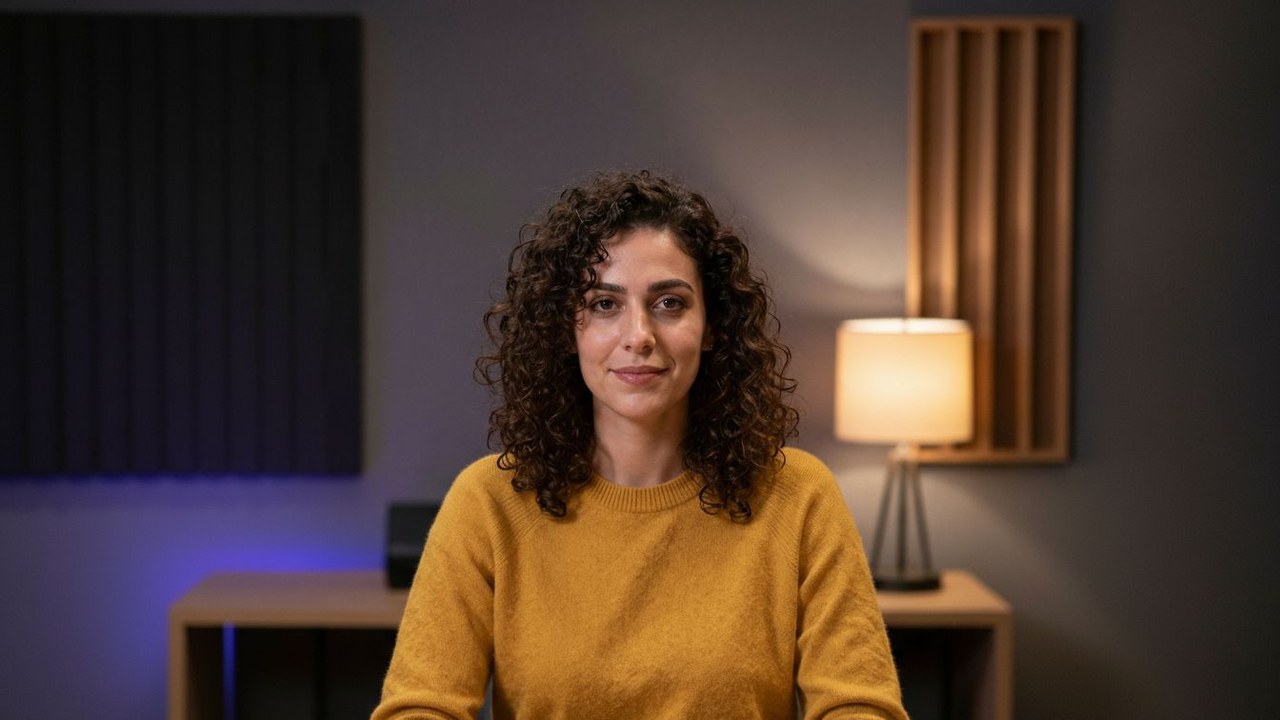
Real clips from our presenters
Each clip was made here from one presenter photo and a short script. Hover or focus a clip to play it muted; drag the bar to scrub.
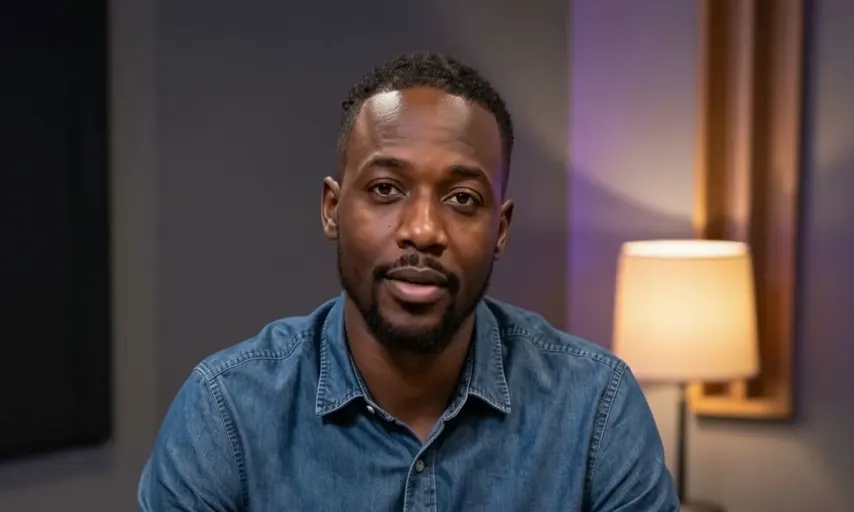
Standard 480p · 0:080:00 / 0:08Sample clip: an AI-generated presenter (Fade haircut, denim shirt) saying: Welcome back to the show. This week we talk with two growers about saving seeds, and why the oldest tomato varieties still win at the market. 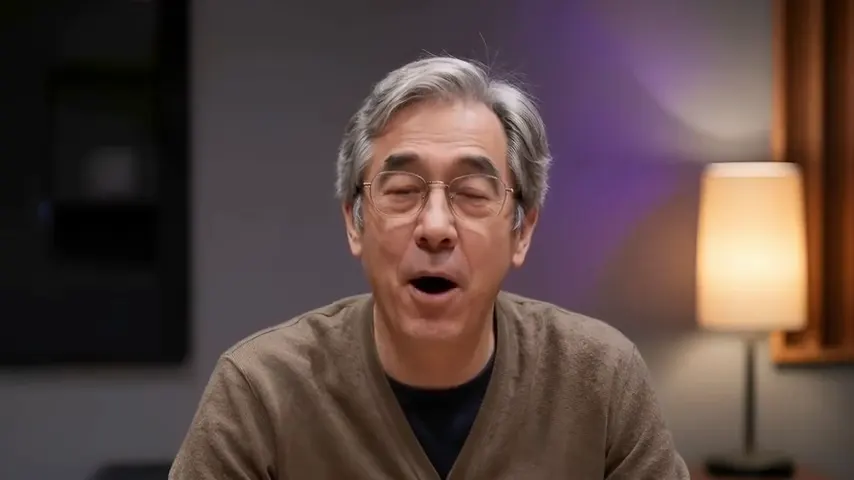
HD 720p · 0:080:00 / 0:08Sample clip: an AI-generated presenter (Grey hair, glasses, cardigan) saying: Quick update for our listeners. Next episode moves to Thursday, and we finally answer the question everyone sent in about sourdough starters. 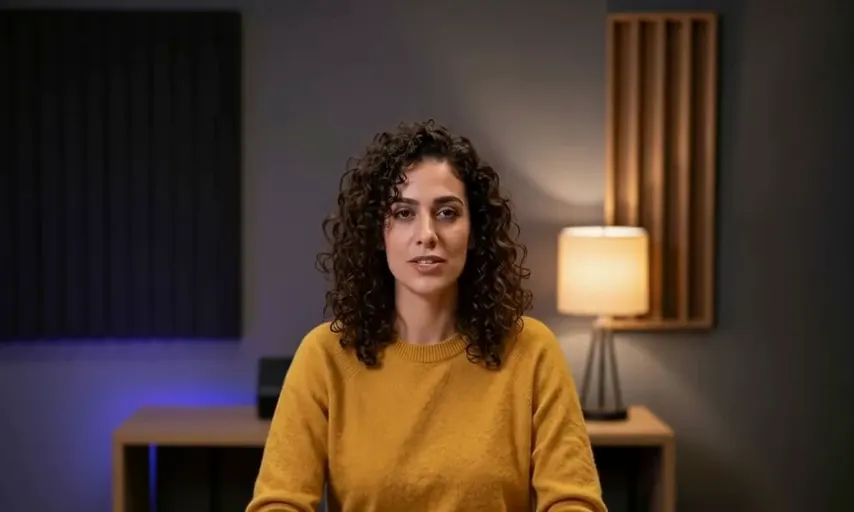
Standard 480p · 0:100:00 / 0:10Sample clip: an AI-generated presenter (Curly hair, mustard sweater) saying: A river starts small. Rain and melting snow gather in a basin, and the water finds the lowest path downhill. Over thousands of years, that path becomes a valley. 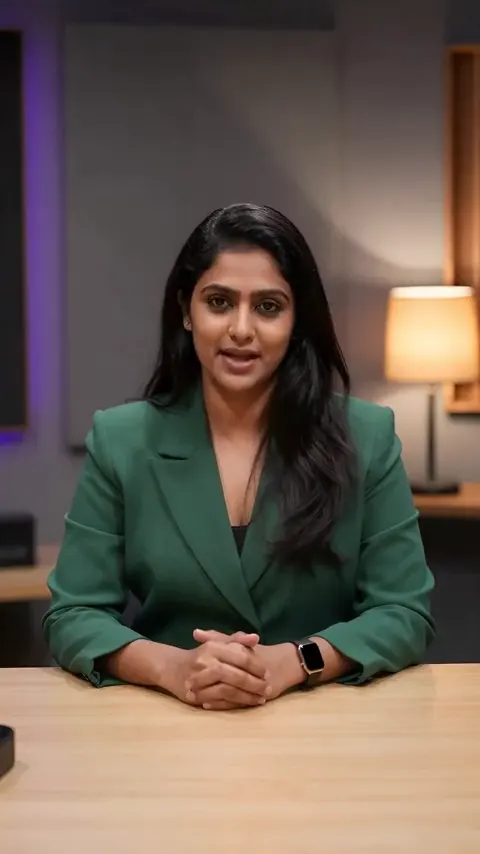
HD 720p · 0:090:00 / 0:09Sample clip: an AI-generated presenter (Long black hair, green blazer) saying: Welcome back to the lecture. Today we are looking at how rivers shape the land around them, from the first mountain stream to the wide delta at the sea. A river starts small.
How to use Podcast to video
- 1
Upload the episode
Export the mixed episode as MP3, WAV or M4A, up to 10 minutes, and drop it in. The browser reads it and finds the pauses.
- 2
Pick the host and the frame
Choose one of 8 AI presenters or your own photo, then 16:9 for a full episode on YouTube or 9:16 for vertical feeds. You see the credit total before you start.
- 3
Render, check, publish
Segments render one after another and are joined into one MP4. Download it with the chapter list, paste the chapters into your video description, and publish.
At a glance
- Audio
- MP3, WAV or M4A, up to 10 min and 400 MB; or a script of up to 3,000 characters
- Presenter
- 8 AI presenters, or your own photo (consent, checked before use)
- Model
- Standard: Wan 2.2 S2V (Alibaba) · HD: Kling AI Avatar (Kuaishou)
- Output
- One MP4 in 16:9 or 9:16, 480p or 720p, with a chapter list
- Price
- 19 credits/s at 480p, 55 at 720p; at least 30 s per video
- Repairs
- One segment 280 credits (480p) or 825 (720p); re-join 27 per started minute
Why put a podcast on video
Video platforms rank and recommend episodes that have a picture, and many listeners now press play on a video page first. A still cover with a waveform holds attention for seconds; a presenter who speaks every line gives viewers a face to follow without you filming anything or redoing the mix.
A full episode, not a clip
Most tools stop at a minute or two. Here one job takes up to 10 minutes: the audio is cut at pauses into segments of up to 15 seconds, each segment is animated from the same picture, and the joined video keeps one presenter from the cold open to the outro. If one stretch looks off, re-render only that segment.
What an episode costs
Standard 480p is 19 credits per second of audio, so a 10-minute episode is 11,400 credits; HD 720p is 55 credits per second (33,000 credits for 10 minutes). The Lecture plan at $15.49 a month covers about 3 minutes of 480p video.
Questions
How do I turn a podcast into a video?
Upload the episode audio, pick a host (an AI presenter or your own photo) and a 16:9 or 9:16 frame, and press Make video. The studio animates the host speaking the whole episode and returns one MP4 with a chapter list.
How long can the episode be?
Up to 10 minutes per video. For a longer episode, split the audio into parts and render each part as its own video.
Can two hosts appear in one video?
No. Each video has one presenter speaking the audio you upload. For a two-person show, make one video per speaker part, or keep one host for the whole episode.
Will the host stay the same for the whole episode?
Yes. Every segment starts again from the same picture, so the face, clothes and colours stay consistent from the first minute to the last.
What do I get at the end?
An MP4 at 480p or 720p in the shape you chose, plus a chapter list cut from the pauses. Videos stay in your account for 30 days.
Last updated: