
Lecture to video: a presenter for every lesson you record
Record the lesson once, as audio, and InfiniteTalking gives it a presenter: upload up to 10 minutes, pick an AI teacher from our library or your own photo, and download an MP4 with a chapter list taken from your pauses. If you teach from a written script, paste it instead and a stock voice reads it, with SRT captions made from your words.
What the presenter says
Presenter
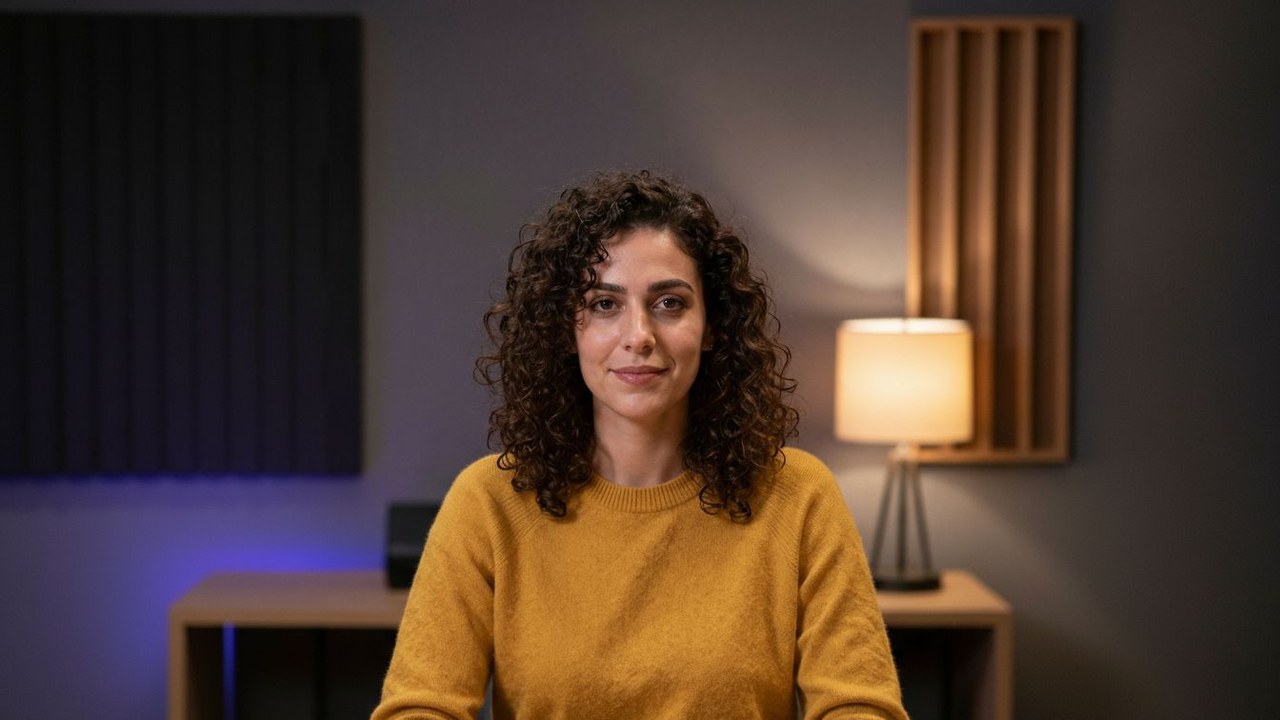
Maya · Curly hair, mustard sweater · AI creator: a generated person who does not exist.
Resolution
Shape
19 credits per second of audio · 30 s minimum per video
Every video is billed at least 30 seconds. Each segment counts its started seconds (at least 2 s). New accounts get one free 30-second clip
Real clips from our presenters
Each clip was made here from one presenter photo and a short script. Hover or focus a clip to play it muted; drag the bar to scrub.
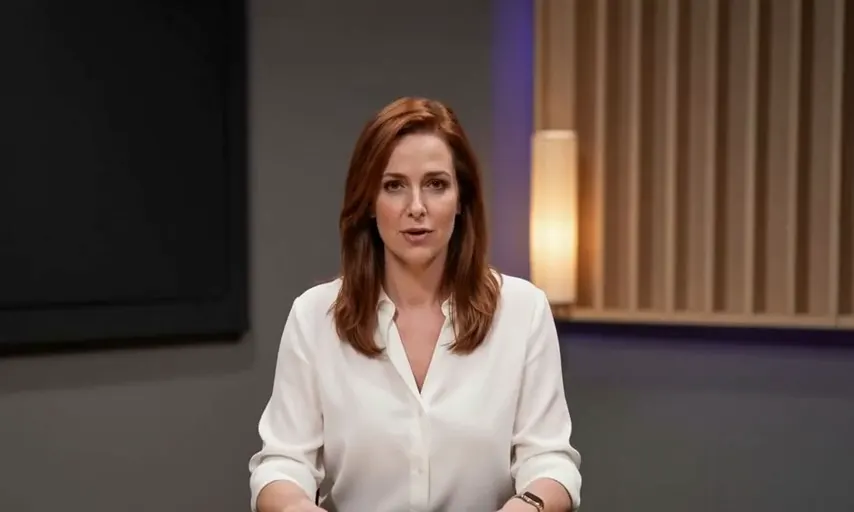
Standard 480p · 0:540:00 / 0:54Sample clip: an AI-generated presenter (Auburn hair, white blouse) saying: Welcome back to the lecture… 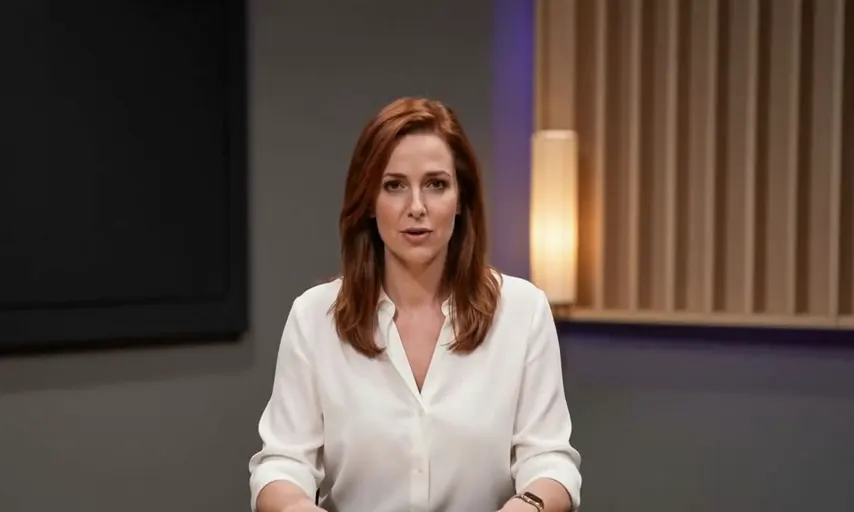
Standard 480p · 0:080:00 / 0:08Sample clip: an AI-generated presenter (Auburn hair, white blouse) saying: Welcome back to the lecture. Today we are looking at how rivers shape the land around them, from the first mountain stream to the wide delta at the sea. 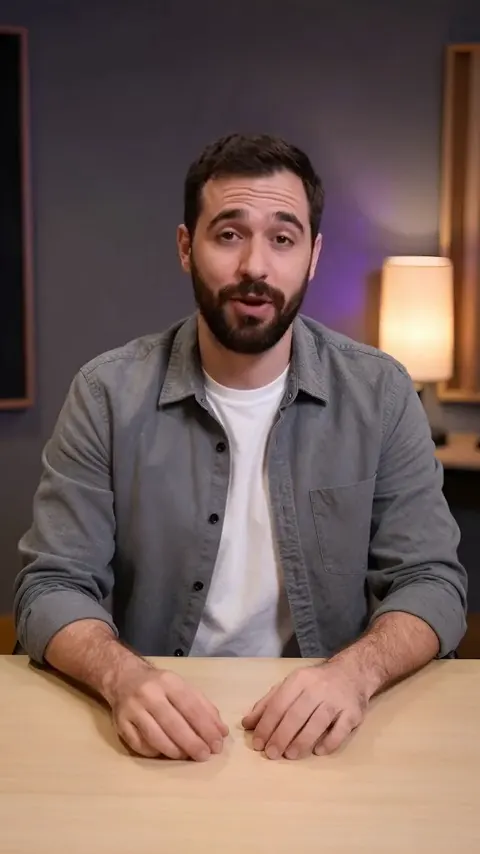
HD 720p · 0:090:00 / 0:09Sample clip: an AI-generated presenter (Short beard, grey overshirt) saying: Here is the short version of today's chemistry lesson. Salt dissolves faster in warm water, because the water molecules move more and pull the crystal apart. 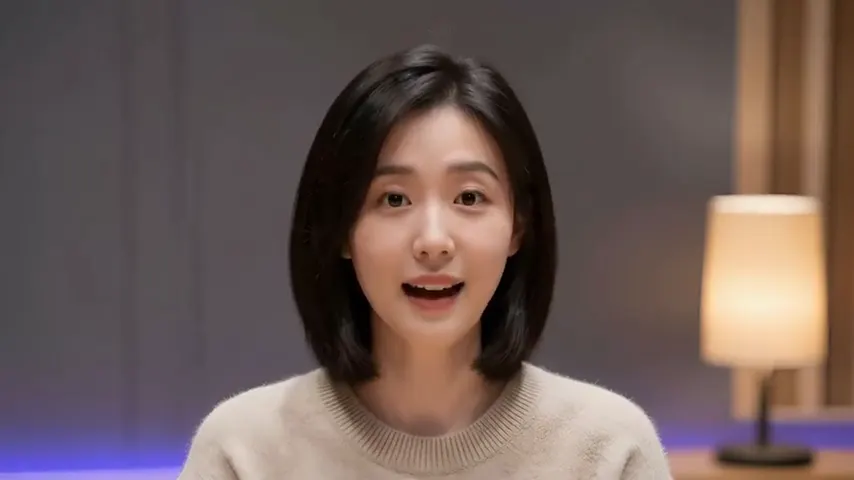
HD 720p · 0:070:00 / 0:07Sample clip: an AI-generated presenter (Black bob, oatmeal knit) saying: Hi, and thanks for joining the onboarding course. Over the next ten minutes, I will show you where everything lives in your dashboard.
How to use Lecture to video
- 1
Bring the lesson
Upload the lecture audio (MP3, WAV or M4A, up to 10 minutes), or paste a script and choose one of 8 stock voices to read it.
- 2
Choose the teacher
Pick an AI presenter whose look fits the course, or your own photo after the consent box. Use 16:9 for a course platform or 9:16 for a phone-first lesson.
- 3
Render and add to the course
The studio renders the lesson segment by segment and joins it into one MP4. Download the video, the chapter list and, for scripts, the SRT captions, and upload them to your course.
At a glance
- Audio
- MP3, WAV or M4A, up to 10 min and 400 MB; or a script of up to 3,000 characters
- Presenter
- 8 AI presenters, or your own photo (consent, checked before use)
- Model
- Standard: Wan 2.2 S2V (Alibaba) · HD: Kling AI Avatar (Kuaishou)
- Output
- One MP4 in 16:9 or 9:16, 480p or 720p, with a chapter list
- Price
- 19 credits/s at 480p, 55 at 720p; at least 30 s per video
- Repairs
- One segment 280 credits (480p) or 825 (720p); re-join 27 per started minute
A face without filming
Learners stay longer with a lesson that has a person on screen, but filming every lesson means lights, retakes and a tidy room. Recording audio is quicker and easier to redo. InfiniteTalking adds the presenter afterwards, so a lesson you can record on a headset becomes a video your students can watch.
The same teacher across the course
Pick one presenter and use it for every lesson: the face, clothes and framing stay identical from module to module. Inside a video, each segment of up to 15 seconds starts from the same picture, so a 10-minute lecture never drifts.
Fix one part, not the lesson
If one segment looks wrong, re-render only that segment (280 credits at 480p) and join the video again. If you change a few sentences, re-record that part of the audio and render it as its own short video. Failed segments refund their own credits automatically.
Questions
How do I turn a lecture recording into a video?
Upload the recording, choose an AI presenter or your own photo, pick 16:9 or 9:16 and press Make video. The studio renders the presenter speaking the whole lecture and returns one MP4 with a chapter list.
How long can a lecture be?
Up to 10 minutes per video. Split a longer lecture into parts at natural breaks; each part becomes its own video.
Do I get captions?
Videos made from a typed script come with SRT captions in your own words. Videos made from a recording come with a chapter list; you can add captions from your own transcript in the course platform.
Can I use the videos in a paid course?
Yes. Videos made with paid credits may be used commercially, including in paid courses. Videos made only with the free sign-up credits are for personal use.
What does a 10-minute lesson cost?
At Standard 480p, 11,400 credits (19 per second); at HD 720p, 33,000 credits (55 per second). The exact total shows before you start.
Last updated: